Make-a-Ring
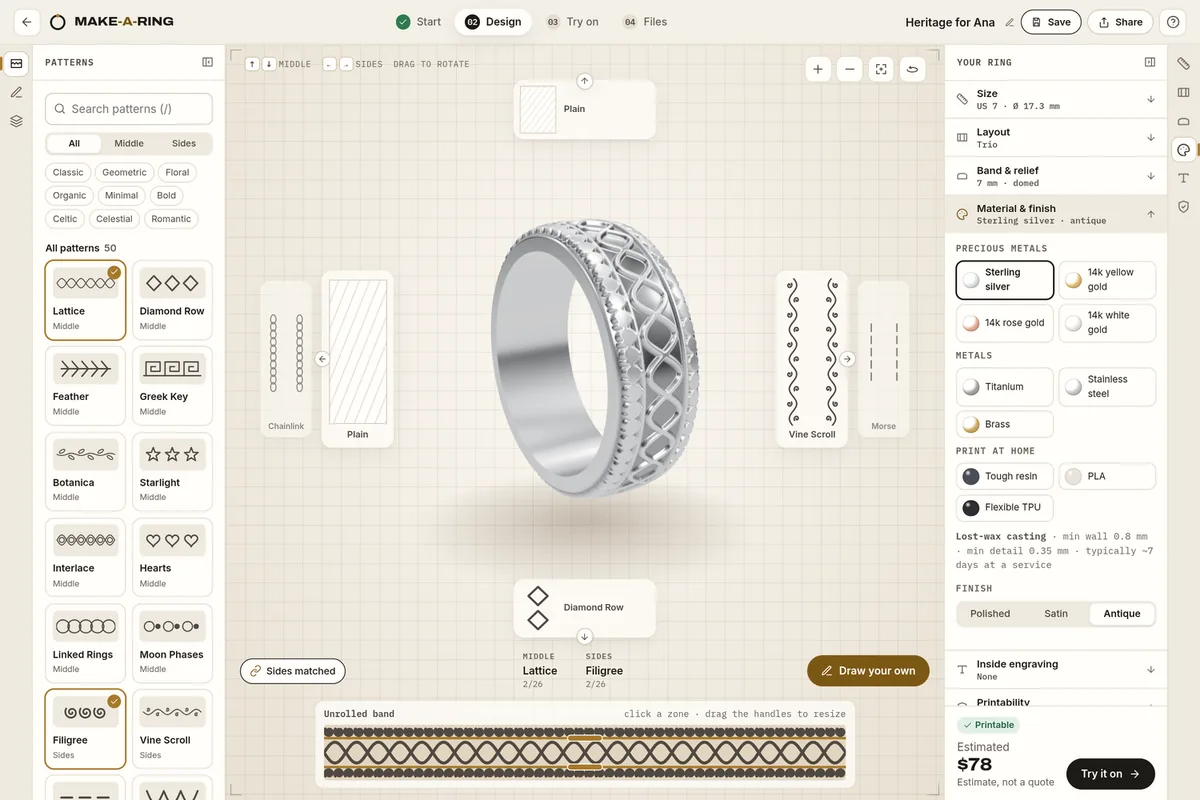
A ring design studio for people who are not jewellers. You scroll patterns, draw your own, see the ring on a hand at your real size, and leave with a file a 3D printer or a casting house can use.
- Role
- My idea. I designed and built the first version on my own, then developed it further with Javier
- When
- October 2026, for the HyperBloom UI/UX and web design hackathon on Devpost
- Result
- 1st place out of 239 projects, 738 participants. Prize: $5,000 in Deployxa credits and 12 months of the Deployxa Team plan
- Size
- 50 patterns, 8 templates, 10 materials, a pattern editor, real STL and OBJ export
- Tools
- Links
- Try it liveCode on GitHubBrand guideDevpost entry
The idea
Custom rings are designed in CAD programs made for professionals, or picked from a short list of presets. I wanted someone with an idea for a ring to be able to try it, see it at their real size and hand a maker a file that works, without learning CAD.
The idea was mine, and so was the first working version: the cross-shaped pattern carousel around a live 3D ring, the templates, the try-on and the file export. I built it on my own before the team work started.
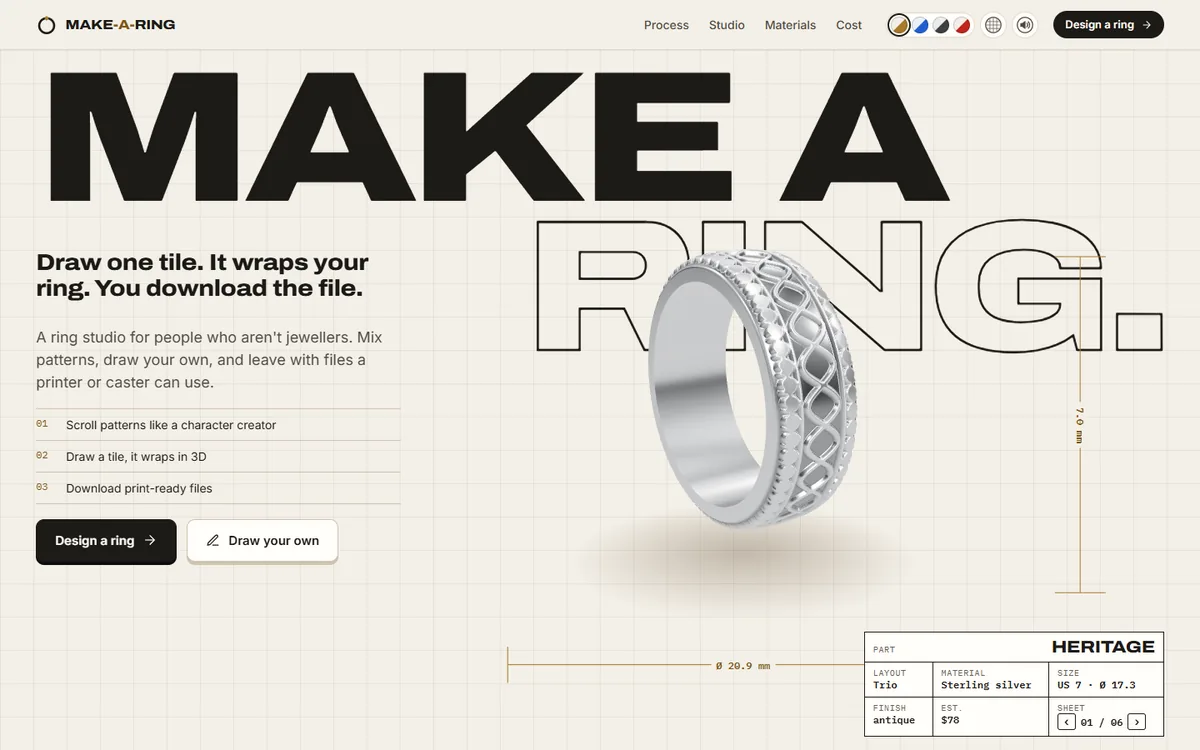
What it does
- Scroll to style: up and down change the middle pattern, left and right the sides, and the ring updates as you go. The arrow keys do the same.
- Draw your own: draw one tile with mirror or kaleidoscope symmetry and it repeats seamlessly around the band.
- Size: US, EU and UK sizes with the real inner diameter, a drawing of the ring you can resize by dragging, and a size finder that measures against a bank card.
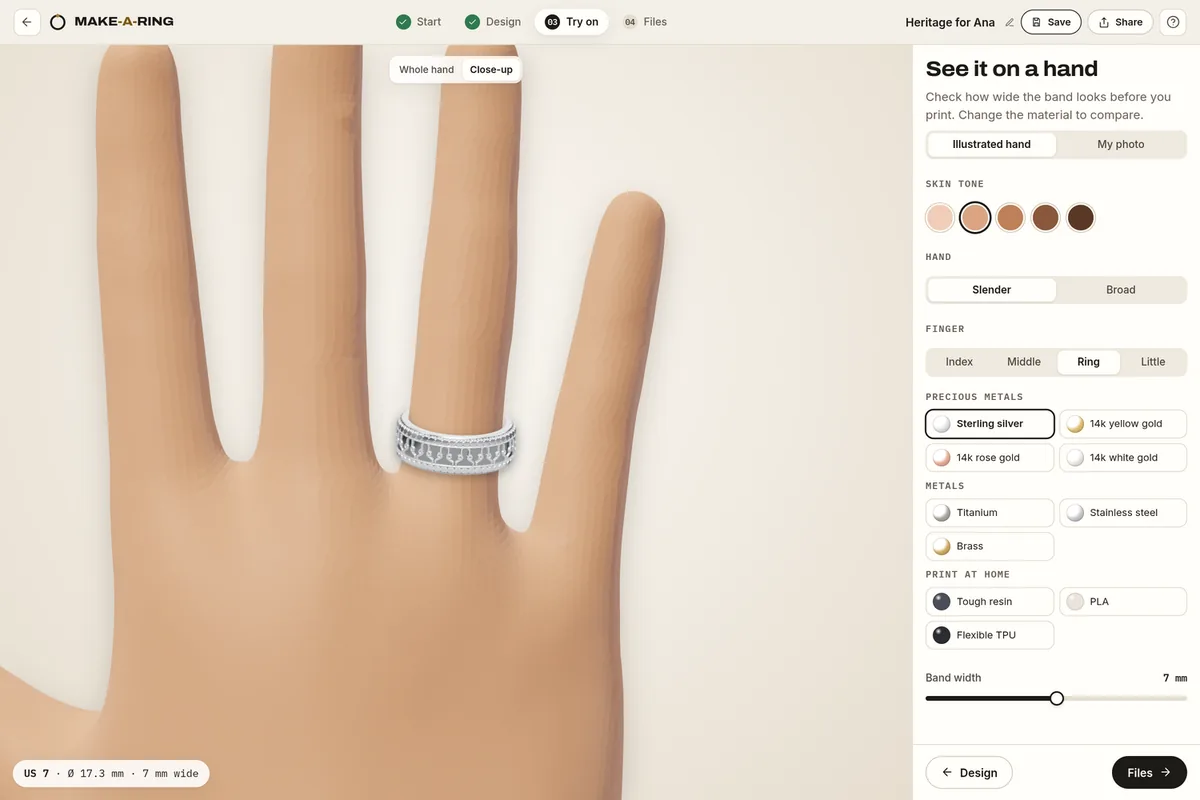
- Try it on: the ring at true scale on a hand, in five skin tones, or on a photo of your own hand.
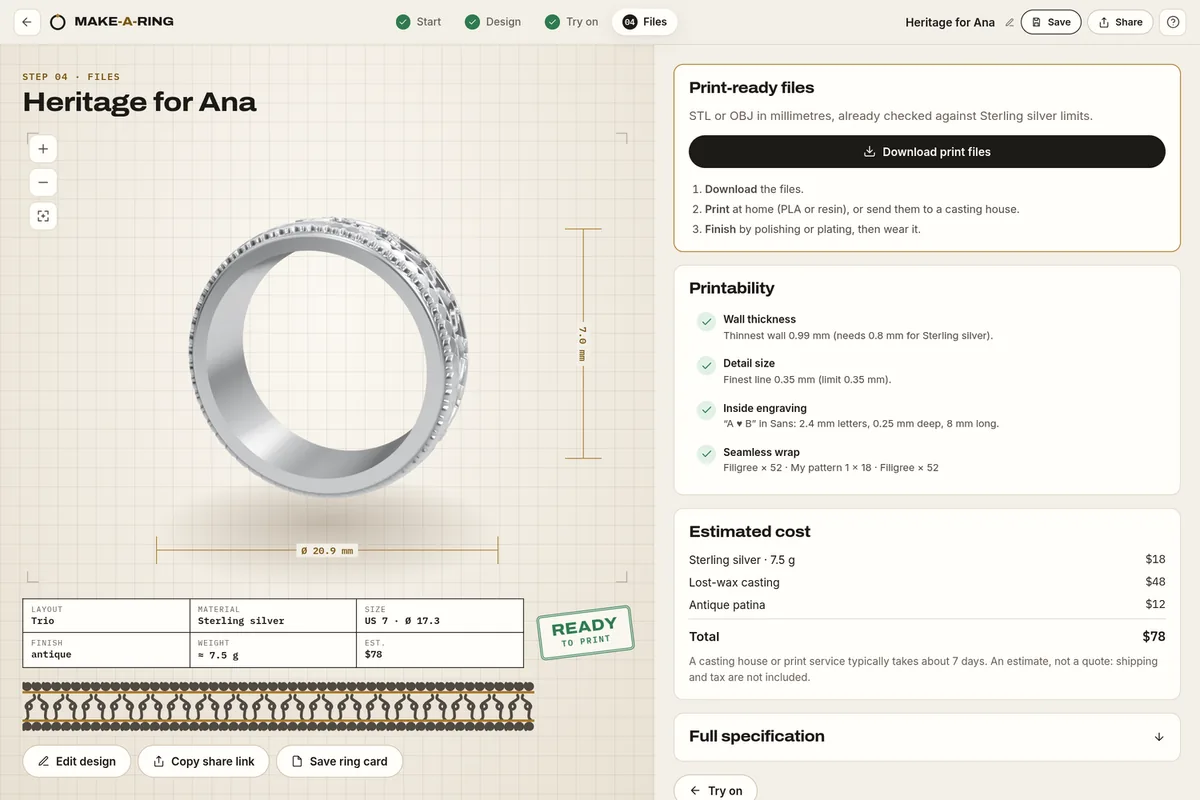
- Check and download: printability checks with each material's real limits (wall thickness, detail size, seamless wrap) and one-click fixes, an itemised cost estimate, and STL or OBJ files generated in the browser.
What I developed
Besides the idea and the first version, I also worked on the design and the interaction:
- The studio layout: side panels with a strip of category icons, resizable and collapsible, and an interface that scales down on small or zoomed screens so the ring keeps its room.
- The pattern editor: symmetry that also applies when erasing and moving, so a mirrored shape stays mirrored.
- Saved designs and engraving: a library of your own rings, and inside engravings with five fonts and an adjustable depth.
- The size step: the dimensioned ring drawing with draggable arrows.
- Motion and sound: a curtain that sweeps across between pages, and quiet sounds such as a measuring-tape click for sizes and a chime when the files are ready, with a mute switch.
- The brand rules: an 8-page guide for type, colour, controls, motion and sound, and a pass over the whole site to make it follow them.
Javier Arevalo joined for the hackathon. He moved the 3D ring building into a background thread so the page stays smooth, built the 3D try-on hand and the phone layout, and handled the deployment. We reviewed and merged each other's work.